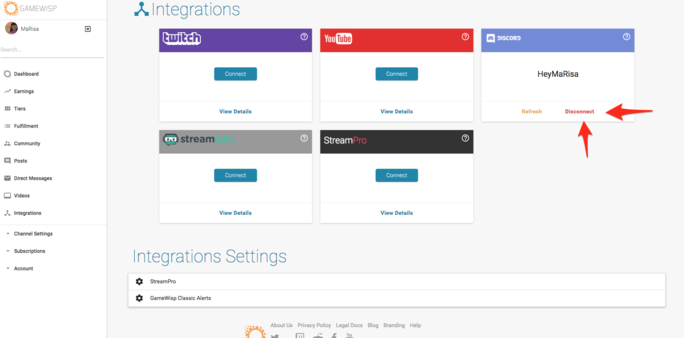
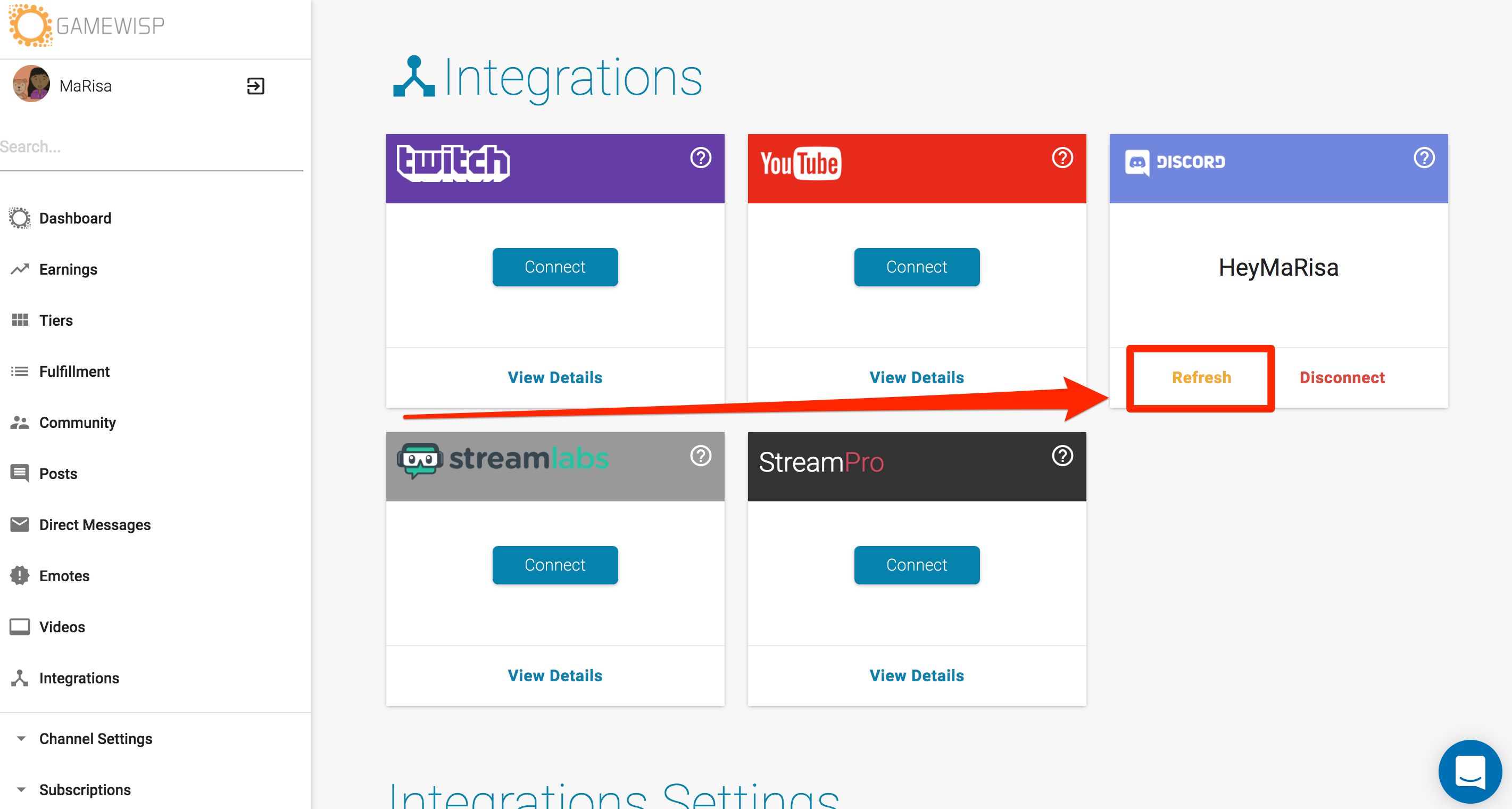
1) On the Integrations page on GameWisp, disconnect your Discord.
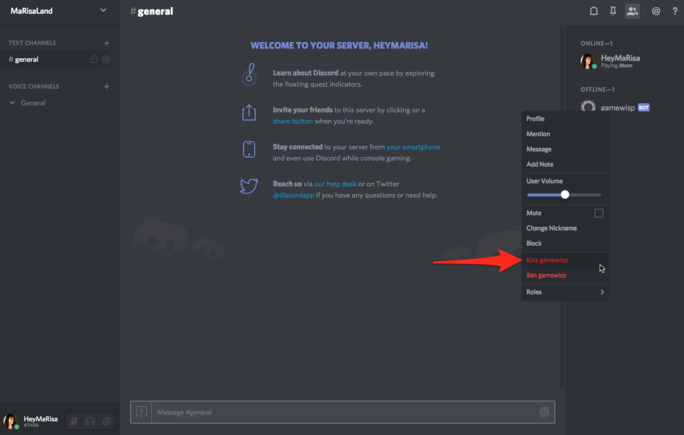
2) On Discord, remove the GameWisp bot.
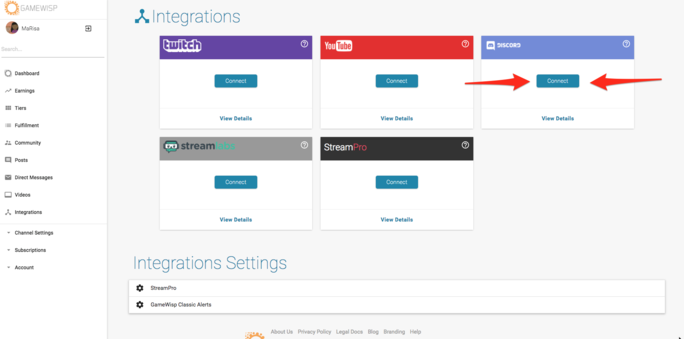
3) Go back to GameWisp and connect your Discord.
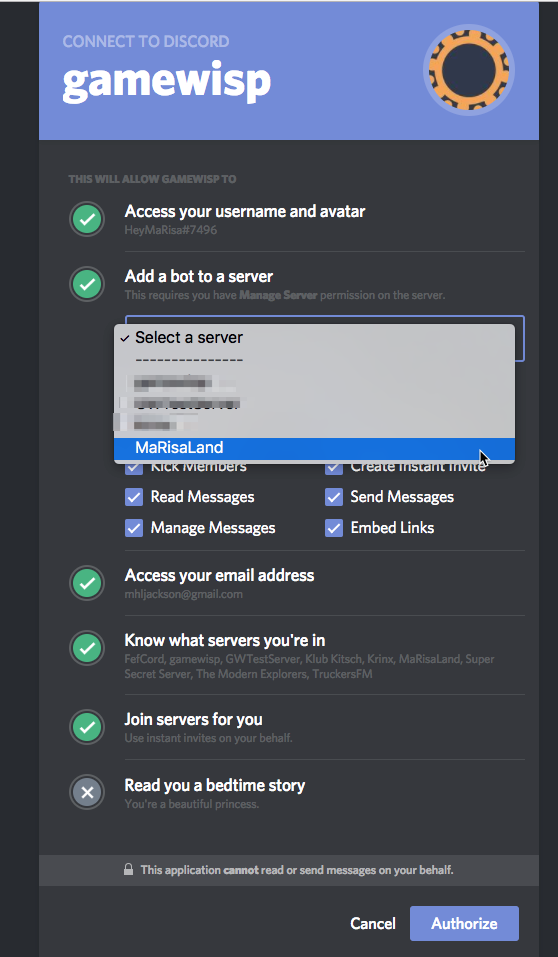
4) Be sure to keep all items checked and to choose the correct server.
5) On Discord, go to Server Settings > Roles and make sure that the role 'GameWisp' is above the roles that you want to be automatically assigned.
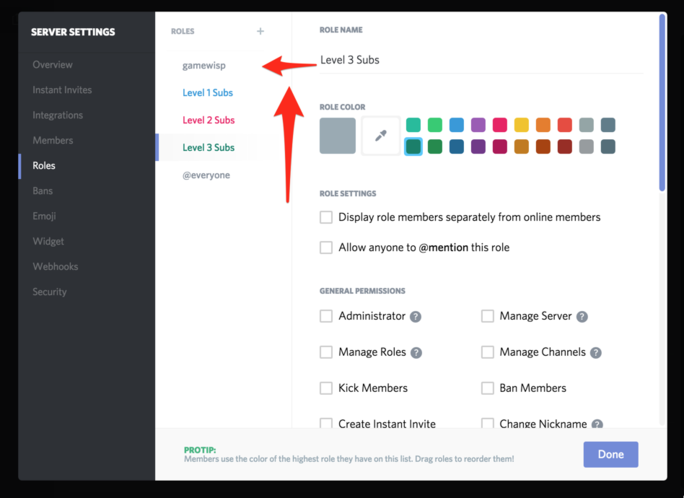
6) After you have moved the 'gamewisp' role to the correct location, be sure to Refresh your connection from the Integrations page.
7) If you already have created Discord Role benefits, you may need to remove and recreate your benefits in the tier editor.
If this does not fix your problem, send us an email at help@gamewisp.com. Be sure to include your channel name and what part of the Discord integration is not working for you.


7 Comments